How I Built My Personal Portfolio Website
Published on: December 23, 2025
In today's competitive tech landscape, having a personal portfolio is no longer just an option—it’s a necessity. It’s your digital handshake, your personal brand, and the most direct way to showcase your skills to potential employers, collaborators, and clients. As a B.Tech student passionate about web development, I knew I needed more than just a resume; I needed a live demonstration of my capabilities. This blog post documents my journey of building my portfolio from the ground up, the technologies I used, the hurdles I overcame, and the valuable lessons I learned along the way.
Why I Decided to Build a Portfolio Website
My journey began with a simple realization: a list of projects on a PDF resume doesn't capture the full story. Recruiters and hiring managers are inundated with applications. How could I stand out? The answer was to create an immersive experience that not only lists my work but also demonstrates my skills in design, development, and user experience. A personal portfolio allows you to:
- Show, Don't Just Tell: Instead of just describing a project, you can provide a live link, screenshots, and a detailed case study.
- Control Your Narrative: You get to decide how your professional story is presented, highlighting your strengths and personality.
- Demonstrate Technical Skills: The portfolio itself is a project. By building it with modern technologies I could prove my proficiency in the tools I claim to know.
- Build a Personal Brand: It’s a space to share your thoughts, your process, and what makes you unique as a developer.
Choosing the Right Tech Stack
While the prompt title mentions HTML, CSS, and JavaScript, it's crucial to understand that modern web development builds upon these fundamentals. For my portfolio, I chose a modern stack that reflects industry standards and provides a superior development experience:
- Next.js: A React framework that offers the best of both worlds: server-side rendering (SSR) for fast initial load times and great SEO, and client-side navigation for a snappy, app-like feel.
- React: A powerful library for building user interfaces with a component-based architecture. This allowed me to create reusable UI elements.
- Tailwind CSS: A utility-first CSS framework that lets you build custom designs without ever leaving your JSX. It makes responsive design incredibly intuitive.
The Development Journey: From Plan to Execution
1. Planning and Structure
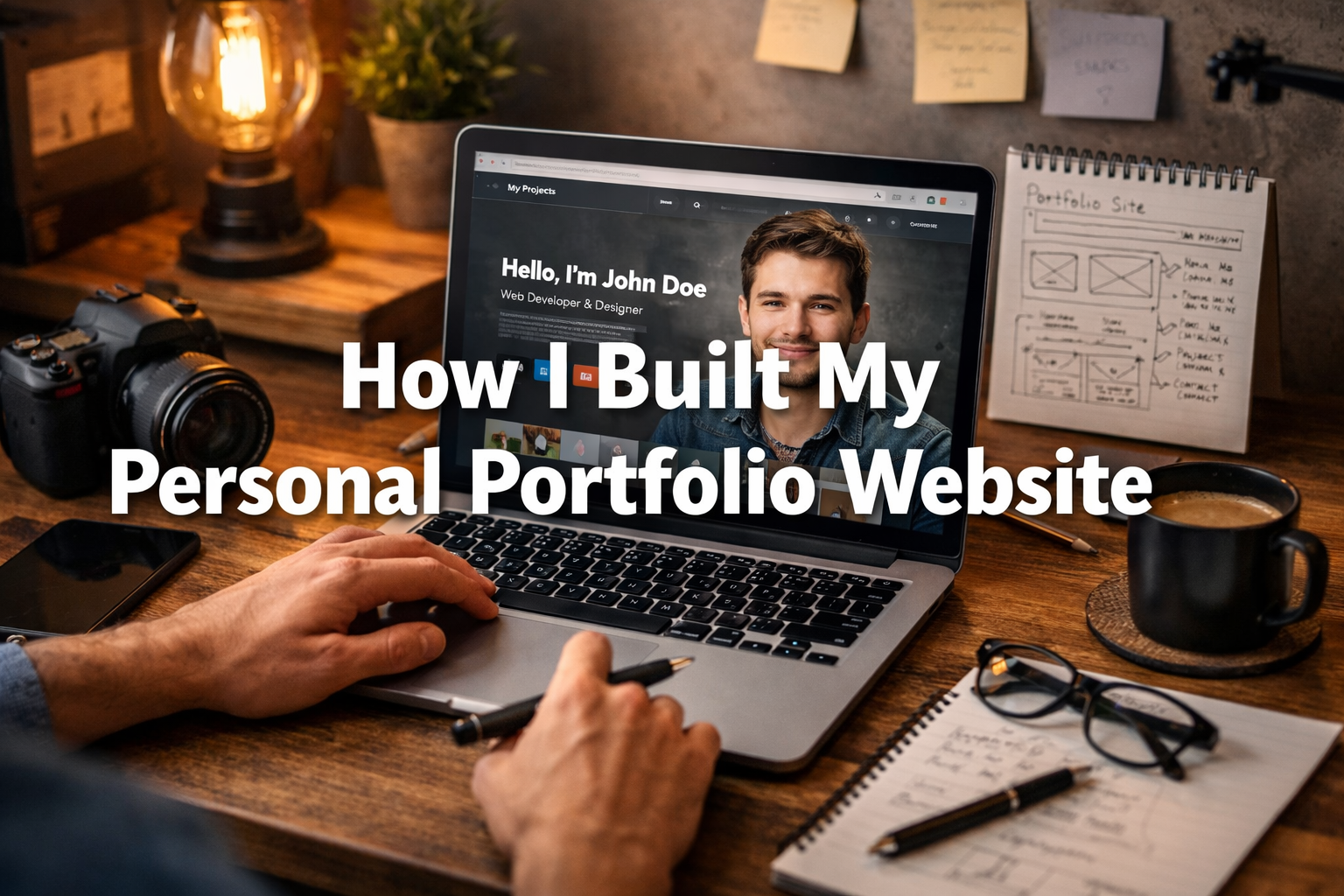
Before writing a single line of code, I spent time wireframing the layout and planning the user flow. I wanted a simple, single-page experience with clear sections. I decided on the essential pages for anyone exploring my work: Home, About, Projects, and Contact.
2. Challenges Faced During Development
No project is without its challenges. One of the first hurdles was ensuring the site was perfectly responsive. Another challenge was implementing the smooth-scrolling navigation and the active section highlighting in the navbar. Finally, integrating EmailJS for the contact form presented some initial configuration issues, but their documentation was clear enough to resolve them quickly.
3. Improvements and Iterations
The first version of my portfolio was functional, but I knew it could be better. After the initial launch, I focused on performance and aesthetics. I optimized images, refactored CSS to reduce bundle size, and added subtle animations to make the user experience more engaging.
Key Learnings and Takeaways
Building my portfolio was an incredible learning experience. Here are my main takeaways:
- Done is better than perfect. It’s more important to get a functional version of your portfolio online than to wait until every detail is perfect. You can always iterate and improve.
- Design matters. A clean, intuitive UI makes a huge difference in how your work is perceived.
- Performance is a feature. A fast-loading website is essential. Optimizing assets and choosing the right framework are critical steps.
- Your portfolio is a living project. It should evolve as your skills and experience grow. Keep it updated with new projects, skills, and blog posts.